How to Trade Perps
Open a leveraged long or short on BTC, ETH, SOL and more — up to 20×, with gas sponsored by the chain. Margin is paid in test USDC.
Perpetual futures let you bet on price going up (long) or down (short) with leverage. You only post margin in USDC; the chain tracks your PnL against the live oracle mark price. Make sure you have test USDC first — grab it from the faucet on the Testnet page.
- 1
Step 1
Pick a market
Use the market selector at the top-left to choose a perp — BTC-PERP, ETH-PERP, SOL-PERP, and others. The chart, order book and mark price update for that market.
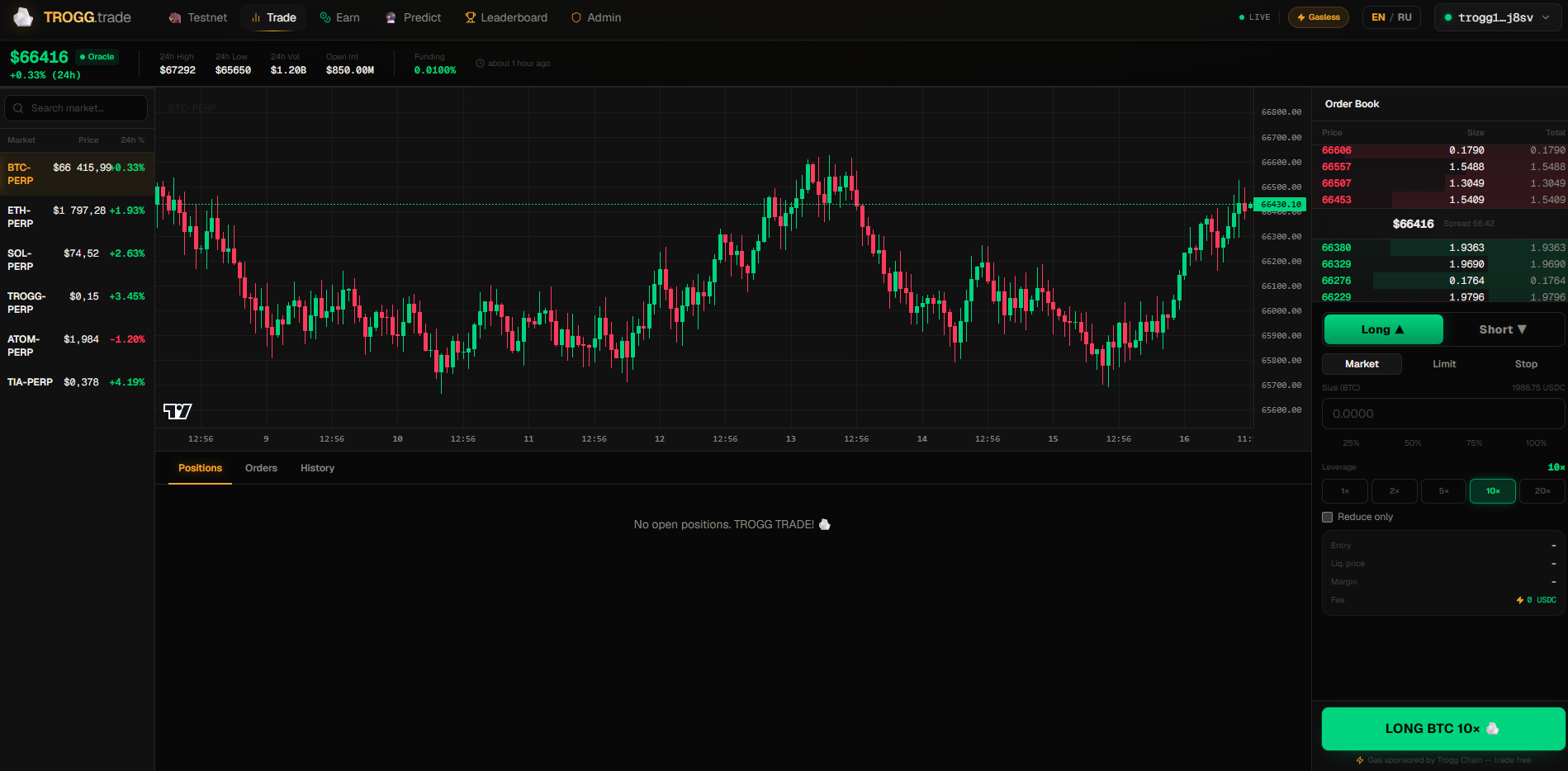
Switch markets from the selector at the top of the trade page. - 2
Step 2
Choose Long or Short
Tap “Long ▲” if you expect the price to rise, or “Short ▼” if you expect it to fall. Your profit grows as the mark price moves in your direction.
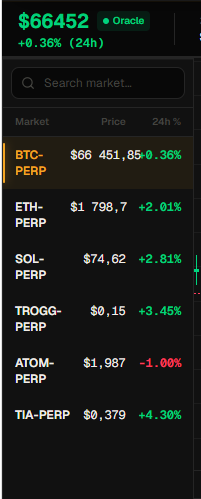
Long (green) bets up, Short (red) bets down. - 3
Step 3
Pick an order type
“Market” fills instantly at the current mark price. “Limit” lets you set your own price and waits in the order book. “Stop” triggers once price reaches a level. Start with Market.
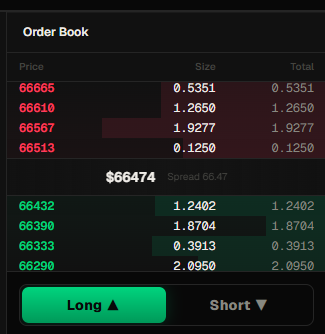
Market = instant fill; Limit = your price. - 4
Step 4
Set size and leverage
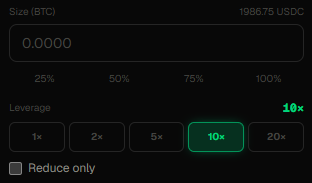
Type the position size in the base asset, or tap 25/50/75/100% to size from your balance. Then pick leverage: 1×, 2×, 5×, 10× or 20×. Higher leverage needs less margin but moves your liquidation price closer.
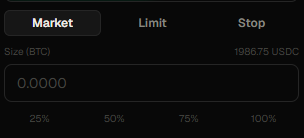
Size buttons fill from balance; leverage goes up to 20×. - 5
Step 5
Review the summary
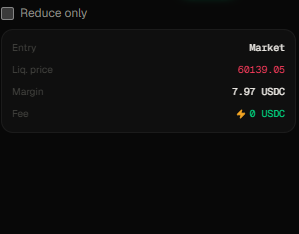
The summary shows your Entry, Liquidation price, the Margin required in USDC, and the Fee — which is 0, because Trogg sponsors gas. If your balance is too low you’ll see a warning; reduce size or top up from the faucet.
Entry, liq. price, margin, and a 0 USDC fee. - 6
Step 6
Place the order with your passkey
Tap the green Long or red Short button. Approve with Face ID / Touch ID. If you reloaded the page, you’ll first tap “Reconnect passkey to sign”, then tap again to submit. Gas is free.
Confirm the trade with your passkey — no gas to pay. - 7
Step 7
Manage your position
Open positions appear in the Positions tab below, with live PnL, mark price and side/leverage. Hit “Close” to exit at any time. The Orders tab lets you cancel resting limit orders; History shows closed trades.

Track PnL and close from the Positions tab. - 8
Step 8
Mind liquidation
If losses eat into your margin past the 2.5% maintenance level, the position is liquidated automatically. Lower leverage keeps your liquidation price further away. Since gas is free, experiment with small sizes to learn the mechanics.
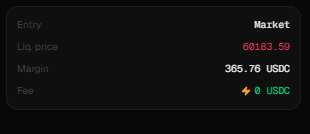
Liquidation triggers below maintenance margin (2.5%).
Leverage cuts both ways
20× turns a 5% move into a 100% swing on your margin — in both directions. New to perps? Start at 2–5×, watch how the liquidation price reacts, and scale up once it clicks. It’s a testnet, so trade freely.